
How to Send Bulk WhatsApp Messages Using API?
Your customer might be ready for a purchase! All they need is a nudge, a reminder, an offer, or just a follow-up to push them towards the purchase. However, by the time your team reaches out to them manually, they have already made their switch towards another business. Imagine the same scenario happening to your hundreds of customers.
Bulk WhatsApp messaging through API is the solution to all such issues. This service enables you to send messages automatically at the perfect time to your clients while being completely in line with Meta’s policies. This means there is no possibility of getting banned, blocked, or having to put in efforts.
Why the WhatsApp Business App Is Not Enough
When introduced to WhatsApp Marketing , many businesses go for the WhatsApp Business application. This works well only if you just have to exchange a few messages in a day.
However, for bulk WhatsApp messaging, there is a limit, after which it can be difficult to continue using the app. The broadcast is limited to only 256 recipients at a time, and messages are only delivered to users who have saved your phone number in their contacts. There will be no scheduling, no CRM sync, no analytics or automation. As soon as your boundaries exceed the guidelines set for the WhatsApp Business app, you might need the WhatsApp Business API to expand your capabilities further.
What Is the WhatsApp Business API?
WhatsApp Business API is an application programming interface through which you can connect your business's applications, such as CRMs, marketing apps, and customer service tools, to WhatsApp. It is not a standalone product like the App; it is a way to send messages using complete personalization.
Some of the features of WhatsApp API are the ability to use templates, send bulk WhatsApp messages, deliver content in rich media format, engage in two-way conversations, connect with chatbots, and track message deliveries in real time. Also, it is the only official way to send bulk WhatsApp messages without risking a permanent ban on your number.
How to Send Bulk WhatsApp Messages Using API: Step by Step
It is easier to send bulk WhatsApp messages using API than most businesses think, as long as you follow each step in order.
Step 1: Select your BSP (Business Service Provider) and set up your account : Your BSP is the backbone for all operations. Choose a BSP that provides you with virtual mobile numbers, blue tick verification services, rich media support, and onboarding exclusively. The BSP will walk you through linking your Meta Business Manager and creating your WhatsApp Business Account.
Step 2: Validate your business and phone number : Before giving you the go-ahead, Meta conducts a commerce policy check. In the meantime, you must authenticate your business using the required documentation and verify your number with OTP. This generally requires 2-6 hours or one day of business time. Your new account will start off by being able to communicate with only 250 customers within 24 hours.
Step 3: Develop and upload message templates : All messages you will send out will require a pre-approved template. Your business cannot send free-form bulk messages to clients who did not initiate contact first. There are four types of templates: Promotional, Utility, Transactional, and OTP. These messages will go through Meta’s approval process and usually take about 24 to 48 hours for approval. Always develop a straightforward message, make it dynamic using variables such as the client's name or purchase number, and include a call-to-action (CTA).
Step 4: Import your opted-in contact list : Import only contacts who have explicitly consented to receive messages. This is the most critical aspect when considering the compliance of your WhatsApp bot. Sending messages to cold contacts will lead to a significant drop in quality score and may lead to the restriction of your account. Make sure that you segment your contacts and give relevant information based on their status in your database, i.e., loyal buyer vs. new prospect.
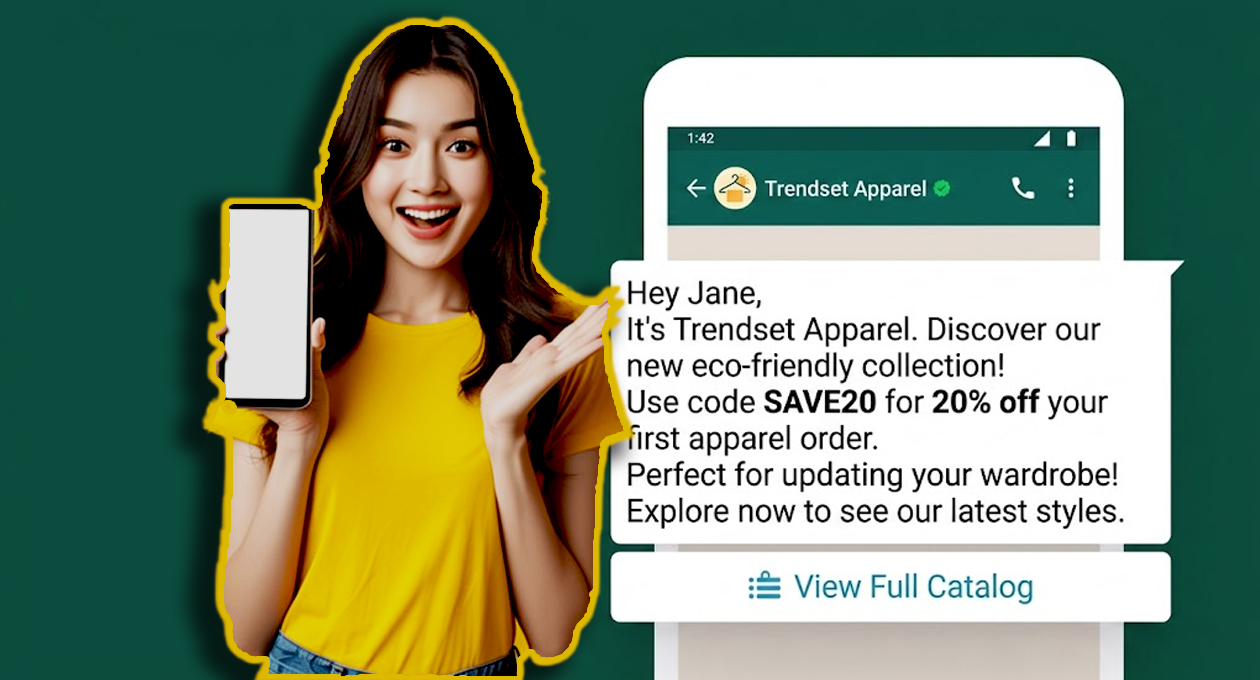
Step 5: Personalize and send your broadcast : The static bulk messages may go unnoticed by most people. Use dynamic variables that may include names of the contacts, their order IDs, or any other relevant information. Add graphics such as pictures, videos, PDFs, or product carousels to give your message more effect. Put an action button such as "Shop Now," "Book a Slot," "Track My Order", and other such options so that your contacts can act upon the message itself. Schedule your broadcast according to the nature of your message.
Step 6: Analyzing and optimizing the results : When your message is delivered, track your delivery metrics. You will be given live updates regarding the messages sent, delivered, read, or replied to by your contacts. Remember that having a good quality score becomes important since Meta will decrease the number of message volumes and frequencies.
Types of Bulk Messages Businesses Send Most
Not every message type fits every moment. Sending the right type at the right stage of the customer journey is what separates effective bulk messaging from noise:
| Message Type | When to Use | Example |
|---|---|---|
| Promotional | Offers, launches, seasonal campaigns | "Your Diwali offer is live: 30% off today only" |
| Utility | Reminders, account alerts, updates | "Your appointment is confirmed for 3 PM tomorrow" |
| Transactional | Post-purchase and booking confirmations | "Order #4521 has been shipped. Track here" |
| OTP / Authentication | Logins, payments, verifications | "Your OTP is 847291. Valid for 10 minutes" |
| Re-engagement | Inactive contacts, abandoned carts | "You left something behind — your cart is waiting" |
Matching message type to moment keeps your quality rating high and your opt-out rate low.
Why Does the BSP Make All the Difference?
While the API is the same for everyone, it is actually the platform on which it runs that really matters here. It is a good BSP that will give you a platform where you can do mass messaging with ease, get your templates approved faster, learn about your performance through analytics, and have everything fixed when something goes wrong.
Sequence Cloud Gateway offers companies in India complete access to the WhatsApp Business API. They offer the ability to use rich media in their messages, send out CTA and quick reply buttons, verify blue tick status, and send broadcasts using any message types without hassle.
Conclusion
Bulk WhatsApp messaging is currently one of the best ROI investments for companies based in India, but only if they use the correct framework. Using the WhatsApp Business API via a reliable BSP, you can mass message thousands of recipients simultaneously without violating any terms and conditions, all while creating an effective messaging system for your enterprise.
The process is easier than most individuals think. Results come quickly, too. Companies that take advantage of the service early will definitely be ahead of their competitors who have failed to understand the significance of using such a channel.
Frequently Asked Questions
Q: Can I send bulk WhatsApp messages for free?
WhatsApp Business App comes for free, but it allows only 256 contacts in the broadcast and can deliver messages only to those who have saved your number as a contact. Bulk messaging requires the API, which needs to be obtained via a BSP.
Q: How do I get customers to opt in for WhatsApp messages?
Some ways to get opt-ins are adding opt-in check boxes on the website or checkout pages. WhatsApp click-to-chat link from email campaigns and ads, and consent while checking out.
Q: What happens if I send messages to contacts who have not opted in?
Your contacts can block or report you, affecting the quality of your account. If there are too many reports against your number, then the quality of your account becomes low, making you ineligible for sending messages in high volumes.
Q: How long does Meta take to approve message templates?
Most templates are reviewed within 24 to 48 hours. Templates that are clear, properly formatted, and follow Meta's content guidelines tend to get approved faster.
Q: Can I track who read or replied to my bulk message?
Yes. The API provides real-time delivery data, sent, delivered, read, and replied counts, for every broadcast, available through your BSP dashboard.